
Free Mocap Animations for Godot 4: Import FBX and Retarget Humanoid Motion
Searching for free mocap animations for Godot 4 usually means you need motion files you can import into a project and retarget to a character. AnimationShopee has selected free FBX/BVH products and paid clips or packs. The download is motion data, not a complete Godot character controller or an automatic rigging tool.
The quickest route is to download one free sample, confirm Godot imports its skeleton and animation tracks, then test retargeting on your own character. Do not build your animation system around a clip until you have checked its actual import and playback.
Free mocap samples you can try
The Run Animation Pack of 120 is listed at $0.00 and its product description says the ZIP includes 120 FBX files and 120 BVH files. Filenames indicate running variations by direction and speed; the listing does not establish that every file is a unique motion. Preview the pack and check its contents before relying on it as a full locomotion set.
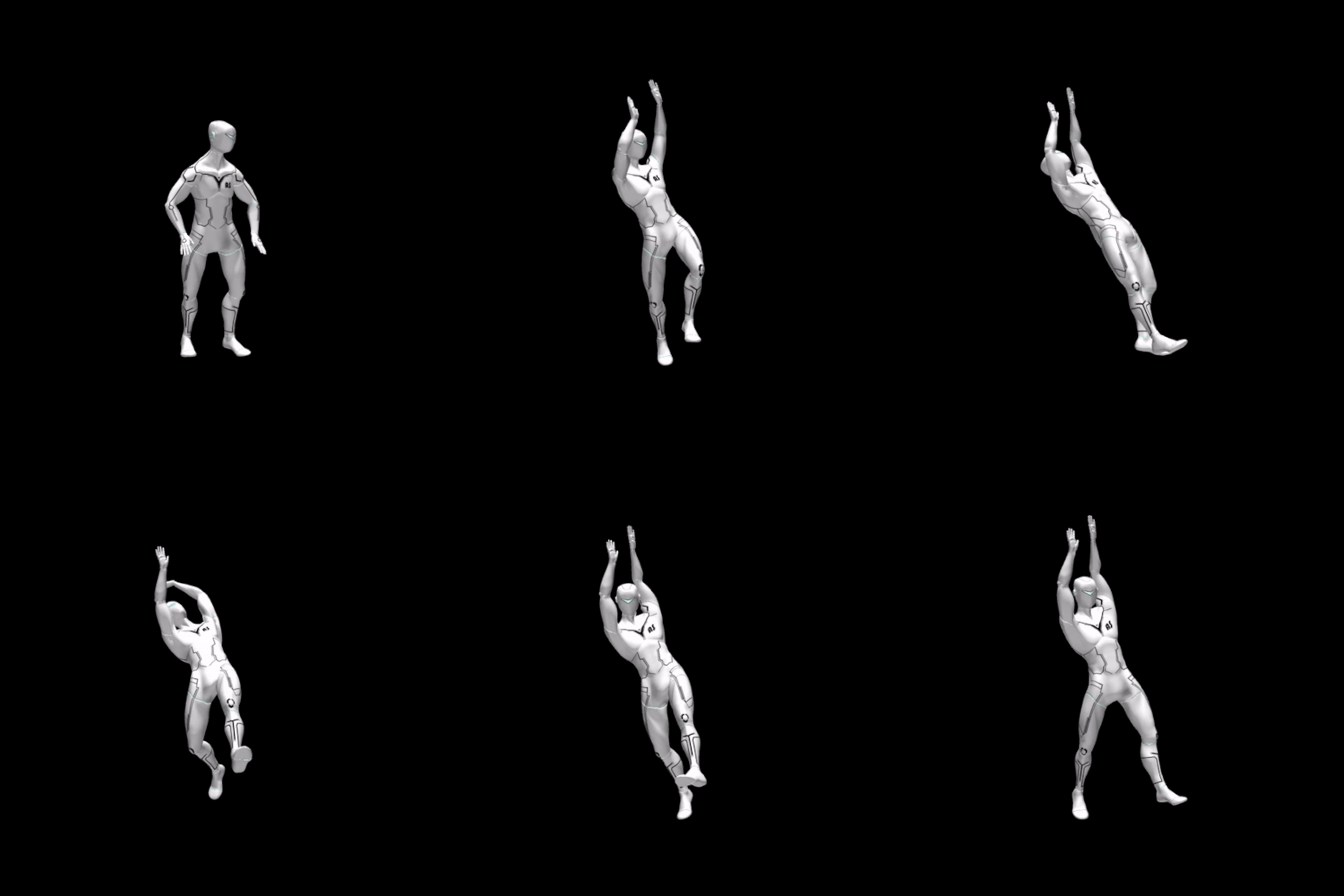
For a more specific movement, A lame man came running and hung on to something is listed at $0.00 and identifies FBX as its format. The preview shows a running approach followed by an overhead reach and hanging-style body swing. It is a useful test for a clip that changes pose and body height, not just a walk cycle.

Godot version matters for FBX import
Godot recommends glTF 2.0 for 3D assets. Its official available formats guide states that Godot 4.3 and later uses the ufbx import method by default for FBX files. Files imported in an earlier project version may continue using FBX2glTF until you change the import settings. FBX support is not a guarantee that every file will arrive with identical node layout, animation naming, or skeleton behavior.
If you are using an older project, check the file's Import dock and the FBX import method before assuming the file itself is broken. Keep the original download unchanged while testing.
A 5-step Godot 4 import and retarget test
Use the official Godot 3D skeleton retargeting guide alongside this checklist. The guide explains BoneMap, SkeletonProfileHumanoid, and why matching bone names alone is not enough.
Make a copy of the project. Place the downloaded FBX inside the project and allow the editor to import it. Keep the source file outside your working conversion folder as a reference.
Inspect the imported scene. Open it and find the Skeleton3D and animation tracks or AnimationLibrary. The exact node layout depends on the file and importer; verify that the expected motion is present and plays on the source skeleton.
Set up retargeting. In Advanced Import, select the Skeleton3D, open Retarget, and configure a BoneMap and SkeletonProfileHumanoid for a humanoid character. Review the automatic mapping and manually correct missing or mismatched bones.
Check the reference pose. Godot's guide emphasizes bone names and Bone Rest transforms. Skeletons exported from different tools can have different rest rotations, so matching names alone may produce twists or poor retargeting.
Test the target character. Play the clip and inspect root movement, foot contact, pelvis height, facing direction, scale, and first/last frames. Repeat the test in the scene where the character will actually run.
If FBX import is troublesome
Godot's format guide recommends glTF 2.0. As a fallback, use a copy of the FBX in Blender to inspect the armature and action, then export a test glTF or GLB. Verify that the animation survives the conversion and that the exported skeleton still retargets correctly. Conversion is a troubleshooting route, not a guarantee that every FBX/BVH file will become a clean Godot asset.
If you also need a Blender-side inspection checklist, see How to Import Free Mocap Animations into Blender and the FBX vs BVH animation file guide.
Free vs paid AnimationShopee downloads
The Run Animation Pack of 120 and A lame man came running and hung on to something are currently listed at $0.00. The paid Locomotion Animation Pack of 174 is listed at $174.00. Its listing describes movement variations and warns that some clips may appear similar; watch the full preview and confirm the pack's contents before purchasing. Prices can change, so use the live product page as the final source.
What free mocap files solve—and what they do not
They give you motion data to test: FBX or BVH files can provide a starting point for a character animation workflow.
They do not automatically retarget: you still need a compatible skeleton setup and the right mapping or conversion steps.
They do not include a complete game system by default: a state machine, gameplay logic, root-motion controller, and transitions must be built or supplied separately.
They are not automatically a labeled AI dataset: if you plan to use animation assets in simulation or AI animation datasets, confirm the product license, permitted use, and required metadata. A raw animation file is not a packaged, labeled dataset.
FAQ
Can Godot 4 import FBX animation files?
Godot 4.3 and later supports FBX import through the ufbx method by default. Check your version and the file's import settings; the official format guide also recommends glTF 2.0.
Will a free FBX animation retarget to my Godot character automatically?
Not necessarily. Configure a suitable BoneMap and SkeletonProfile, check the bone mapping and rest pose, then test the animation on the target skeleton.
Are all AnimationShopee mocap files free?
No. The store contains both free and paid products. The free samples linked here are currently $0.00; the larger Locomotion pack is paid. Check each live product page for its current price and contents.
Start with the free running pack or the free overhead-reach FBX sample. Import one clip, validate it on your target skeleton, and only then expand your animation library.


Comments