
Free Combat & Fight Animations for 3D Characters | AnimationShopee – Mixamo Alternative
Convincing fight choreography depends on much more than basic punches and kicks. Elements like timing, body weight, recovery, foot placement, and reaction speed determine whether digital combat feels truly immersive or entirely artificial. Manually keyframing these intricate mechanics can drain valuable studio time and lead to stiff, unconvincing performances.
This is where AnimationShopee steps in as an essential resource, offering developers and artists an expansive library of professional combat motion data to bypass tedious setup.

Why Combat Animation Is Harder Than It Looks
A simple punch may appear easy to construct on a timeline, but a convincing combat sequence requires several micro-movements to work together seamlessly.
Consider a basic attack progression:
Idle → stance → preparation → strike → impact → recovery → return to stance
If a single stage lacks correct timing or weight distribution, the entire action breaks down, making characters look like they are floating or moving unnaturally. This is precisely why Combat Motion Capture is invaluable. Real performer movement provides natural relationships between the upper body, hips, legs, and center of gravity, serving as a reliable foundation rather than requiring manual pose adjustments from scratch.
Explore Combat Motion with AnimationShopee
AnimationShopee focuses on delivering ready-to-use character movement built specifically for modern 3D workflows. Instead of searching separately for individual movement files, creators can explore a growing collection of Motion Capture Animations and FBX Animation Files tailored for diverse game requirements.
Combat-related movements available include:
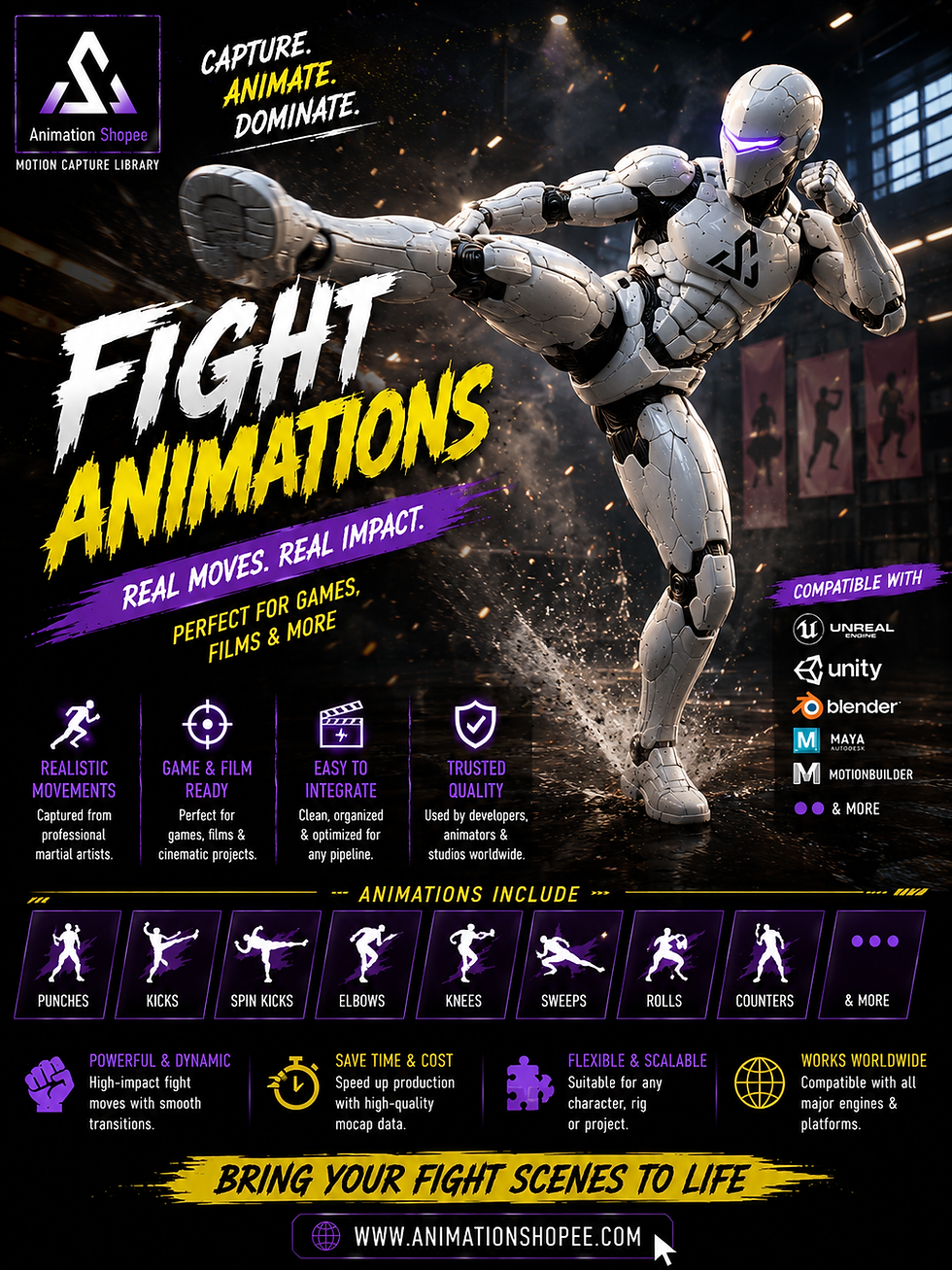
Offensive Striking: Punch attacks, fast kick combinations, and heavy melee hits.
Defensive Maneuvers: Defensive blocks, reactive dodges, and swift counter-attacks.
Impact & Recovery: Hit reactions, knockback states, and rapid stand-up recoveries.
Specialized Styles: Martial arts choreography, combat stances, and weapon-ready interactions.

Build Combat Sequences from Individual Animation Clips
A complete fight scene does not need to rely on a single monolithic animation file. Developers can construct dynamic sequences by blending smaller, modular clips together:
Attack → reaction → dodge → counter → recovery
This modular approach grants greater control over runtime logic, allowing game engines to trigger specific actions based on player inputs or artificial intelligence parameters. Systems can seamlessly transition through light attacks, heavy impacts, misses, blocks, and knockdowns using animation state machines or blend trees.
Free Combat Animations for Different 3D Characters
A common production workflow involves combining character meshes from one platform with specialized animation assets from another. Creators often discover high-end 3D models through popular marketplaces such as:
AnimationShopee
Sketchfab
CGTrader
TurboSquid
Fab
Free3D
ArtStation Marketplace
Mixamo
While these platforms excel at providing static models, AnimationShopee supplies the dynamic movement required to bring those compatible characters to life.
Retargeting Combat Animations Correctly
Retargeting is one of the most critical technical steps when transferring motion capture data to a custom character. Differences in bone structures can instantly distort results if not handled methodically.
Key skeletal variations to account for include:
Bone names and hierarchy naming conventions
Initial joint orientations and roll axes
Proportional differences in arm and leg lengths
Spine structure and default rest poses
Root-bone configuration settings
What Makes a Combat Animation Ready for Production?
Before importing an animation asset into your live project, evaluating its technical data ensures smooth integration across engines like Unity or Unreal Engine.
A thorough technical checklist should verify:
Correct frame range and loop markers
Clean, standardized bone hierarchies
Appropriate root motion extraction settings
Consistent character scaling parameters
Proper foot contact and ground alignment
Stable hand-to-weapon socket configurations
FAQ
Can FBX combat animations be retargeted to Mixamo characters?
Yes, if the source animation and target character use compatible humanoid structures. Bone mapping and retargeting settings may need adjustment.
Why does a punch look too weak after retargeting?
Character proportions, root movement, timing, or retargeting settings can change the perceived impact. Check the hips, spine, shoulder rotation, and timing of the strike.
How do I prevent foot sliding?
Check root motion, foot placement, IK settings, and the target skeleton's proportions. Foot locking may also be required during grounded actions.
Can combat clips be used in animation combos?
Yes. Individual attack clips can be connected through state machines, blend systems, montages, or gameplay logic to create combo sequences.
Why do weapons move incorrectly?
The issue may come from incorrect hand placement, bone mapping, socket configuration, or IK. Check the weapon attachment point and hand alignment.
Conclusion
AnimationShopee is transforming how creators bring visceral energy and authentic physics to digital combat. Crafting immersive fight choreography—from powerful strikes and defensive blocks to dynamic hit reactions—no longer requires tedious manual keyframing. By providing an expansive library of professional combat motion capture data and production-ready FBX files that seamlessly integrate with character meshes from platforms like Mixamo, Sketchfab, and CGTrader, AnimationShopee bridges the gap between static models and high-impact performance.
Explore AnimationShopee today to streamline your workflow and bring cinematic realism to your next action project.


Comments